
- BGG rank
- BGG #1,255
- BGG rating
- 6.9
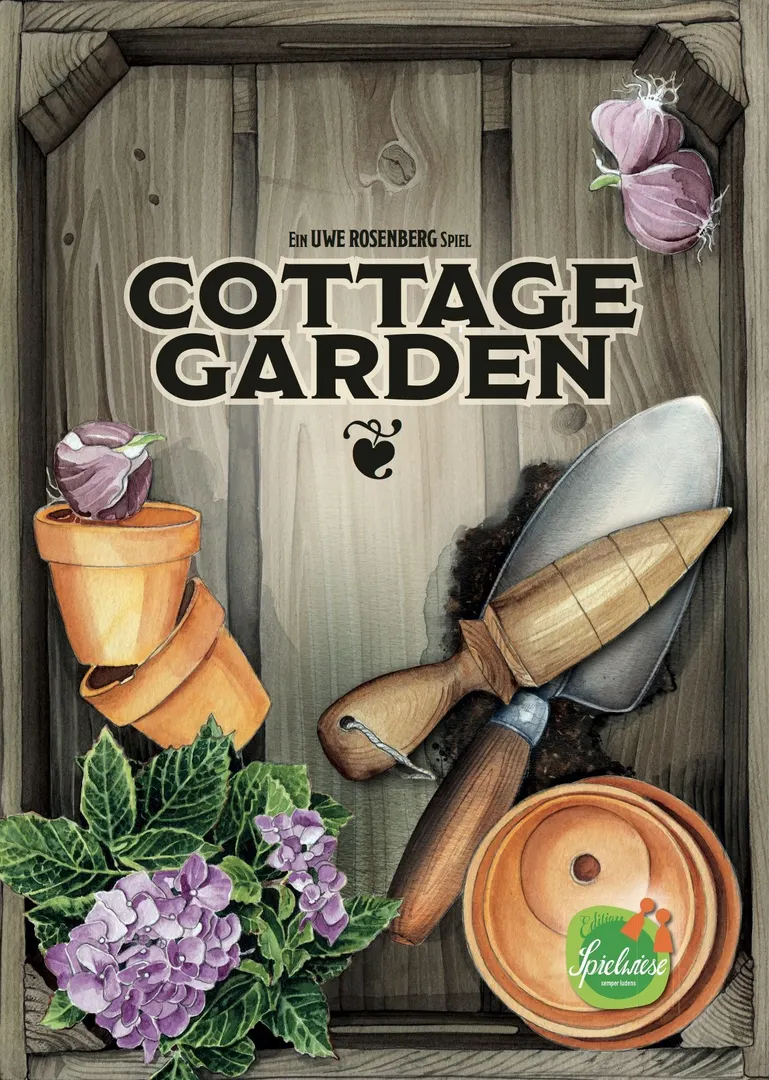
Cottage Garden
- 1–4 players
- 60 min
- Complexity 1.9/5
- 2016
2025
Rules assistance for Click A Tree
Plain-language explanations of turns, card effects and disputed situations, with official source references and saved question history.
For 1 player
What would you like to know?
Answers come from the official rulebook, with the page to check.
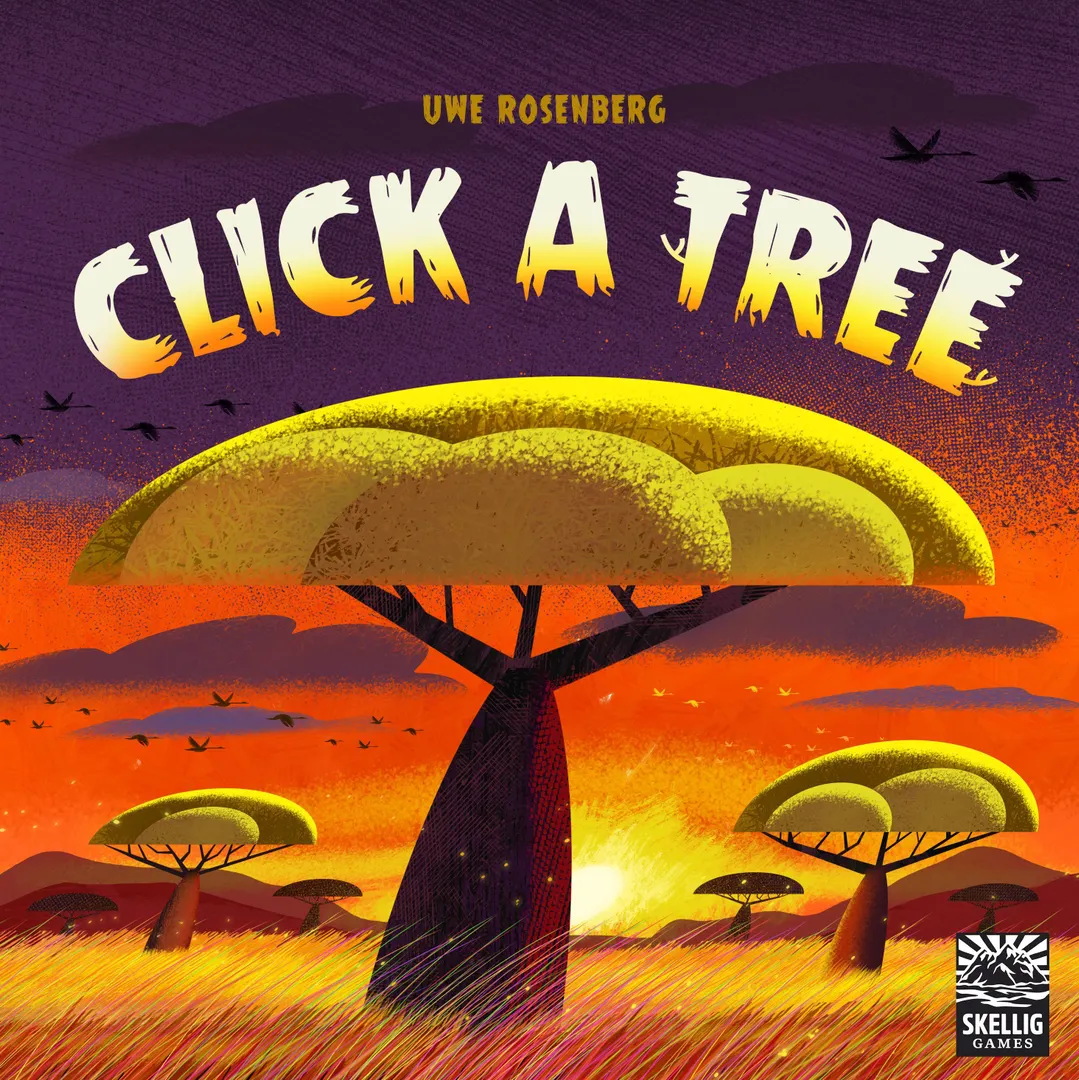
Click A Tree is a board game released in 2025 for 1–4 players, 30–60 minutes per game, and ages 8 and up. It was designed by Uwe Rosenberg and its main mechanics are Tile Placement, Simultaneous Action Selection, and Pattern Building.

In the tile-laying game Click A Tree, players embody Ghanaian farmers. They have adapted to climatic conditions and learned to make use of their surroundings, planting their crops in the shade of trees. In this game, you want to plant trees in a strategic arrangement, deploy your harvest workers skillfully, and reap the most harvest. To set up, randomly draw nine of fifteen tasks; each player places the matching task strips in the empty spaces at the top of their player board, then places seven fruit markers on level 1 of their board. Each player shuffles their fourteen harvest tiles and reveals two of them. Place the seven fruit markers in a circle, then place a random landscape tile between each pair of markers to form the market. Each tile shows one of six trees, one or two fruit types, and either A, B, or AB. Each player starts with a random landscape tile in front of them. On a turn, choose a fruit marker on your player board, lower it by one space, then collect the two landscape tiles surrounding this marker in the market. Add these tiles to your board, then choose one of your face-up harvest tiles and add it to your forest. Each sickle on the harvest tile adjacent to a landscape tile earns you one fruit of that type for each tile in that fruit group, e.g., placing a sickle next to avocados in a connected group of four tiles will raise your avocado marker four spaces on your player board. Except sometimes it won't. A fruit marker can't rise to level 2 until you complete a task and remove that strip from your board. To complete a task, you need to arrange trees of the same type in specific configurations, or create a long line of trees, or connect trees with the same letter, or use harvest tiles in defined ways. Whenever you complete a task, you remove that strip, then push all remaining tasks up, giving your fruit markers room to move up. You also harvest fruit when you place a landscape tile next to a sickle already in play. When all sickles on a harvest have been used, that tile is fulfilled, which lets you lower a number marker on your player board. When enough of your fruit markers move past a number marker — e.g., two past the 2 near the top of the player board, five past the 5, or all seven past the 7 — the game ends at the end of that round. If only one player has triggered the end of the game, they win; if multiple players have, they sum the value of their fruit to determine a winner.
Click A Tree supports 1–4 players according to the catalogue. This range comes from the publisher’s listed player count, so the game can be set up for any group size within it. Some setups, rules and scoring details may still vary by player count, so check your edition’s rulebook for the exact configuration.
The listed playing time for Click A Tree is 30–60 minutes. This is the publisher’s estimate for a full game. The actual duration depends on the group, the player count and familiarity with the rules: first sessions usually run longer, while experienced groups often finish faster. Setup and teaching time are not included in this estimate.
The catalogue lists Click A Tree for ages 8 and up. This is the publisher’s recommendation and reflects reading demands, rule complexity and small components rather than theme alone. Younger players can often join with help from an adult, so check the age guidance on your edition and consider your group’s experience with board games.
Click A Tree has a complexity rating of 2.4 out of 5 from BoardGameGeek players, which makes it a medium-light game. The rating reflects how much rules knowledge, planning and decision-making a typical game demands. Expect a longer first teach for heavier games, and use a preparation guide before game night.
Click A Tree belongs to these categories: Abstract Strategy, Farming, and Educational. Its main mechanics are Tile Placement, Simultaneous Action Selection, and Pattern Building. Categories describe the theme and setting of a game, while mechanics describe what players actually do on their turns. Each mechanic links to a catalogue hub with similar games, which helps when you want something comparable.
The credited designers of Click A Tree are: Uwe Rosenberg. These credits come from the published game data and name the people responsible for the game’s design, not its illustrators or publishers. Designer pages on MeepleRules collect other titles by the same designers, which helps when you enjoy a game and want to find similar ones.
The catalogue lists Click A Tree as a base game. It can be played on its own with the components in the box and does not require any other title. Expansions, if any exist, add new content or rules on top of it and are listed separately in the catalogue with a link back to this base game.